Edit Profile
User can update their personal infomation and setting at this screen.
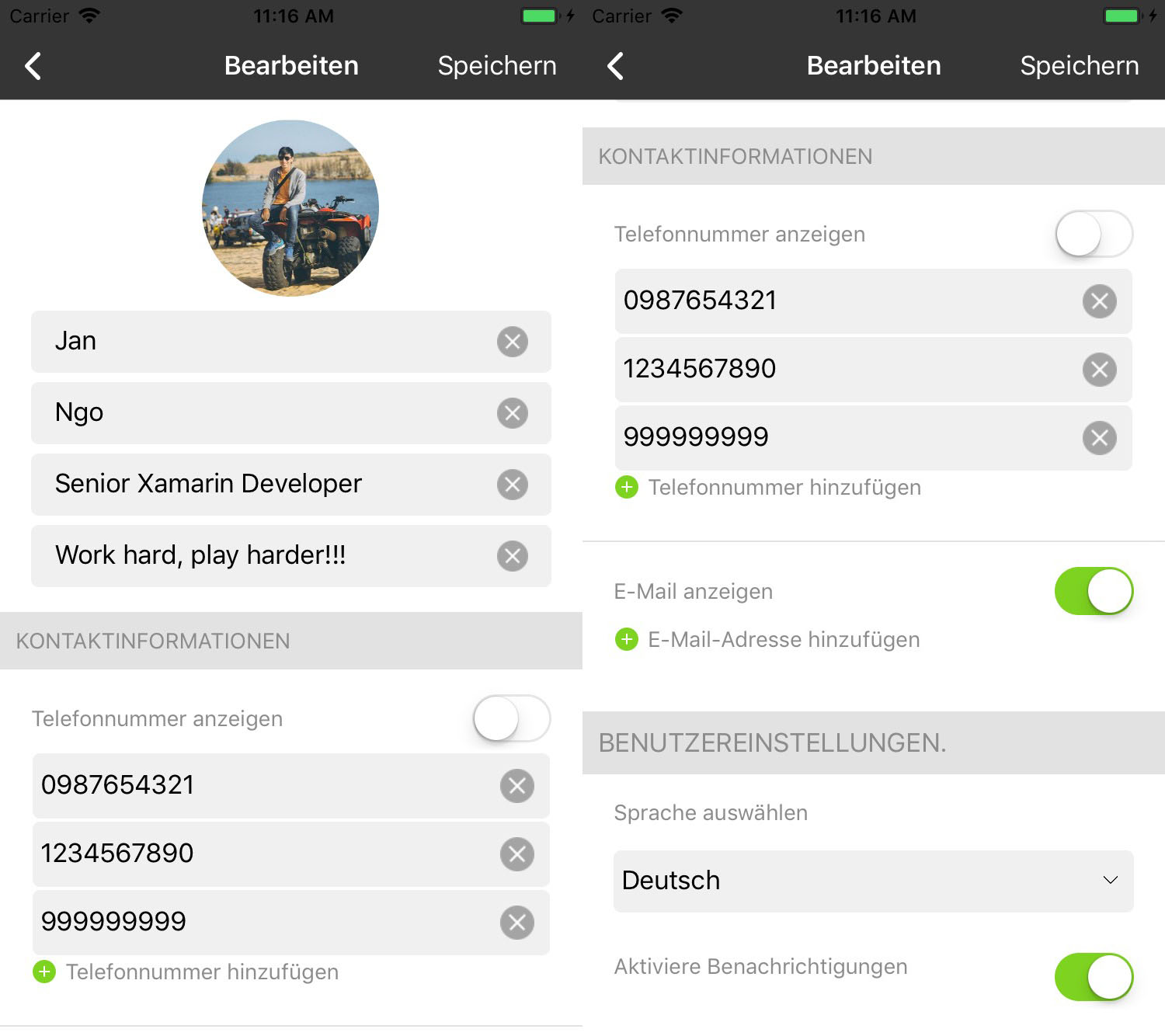
- Overview
- Contact infomation
- User setting
1. Overview
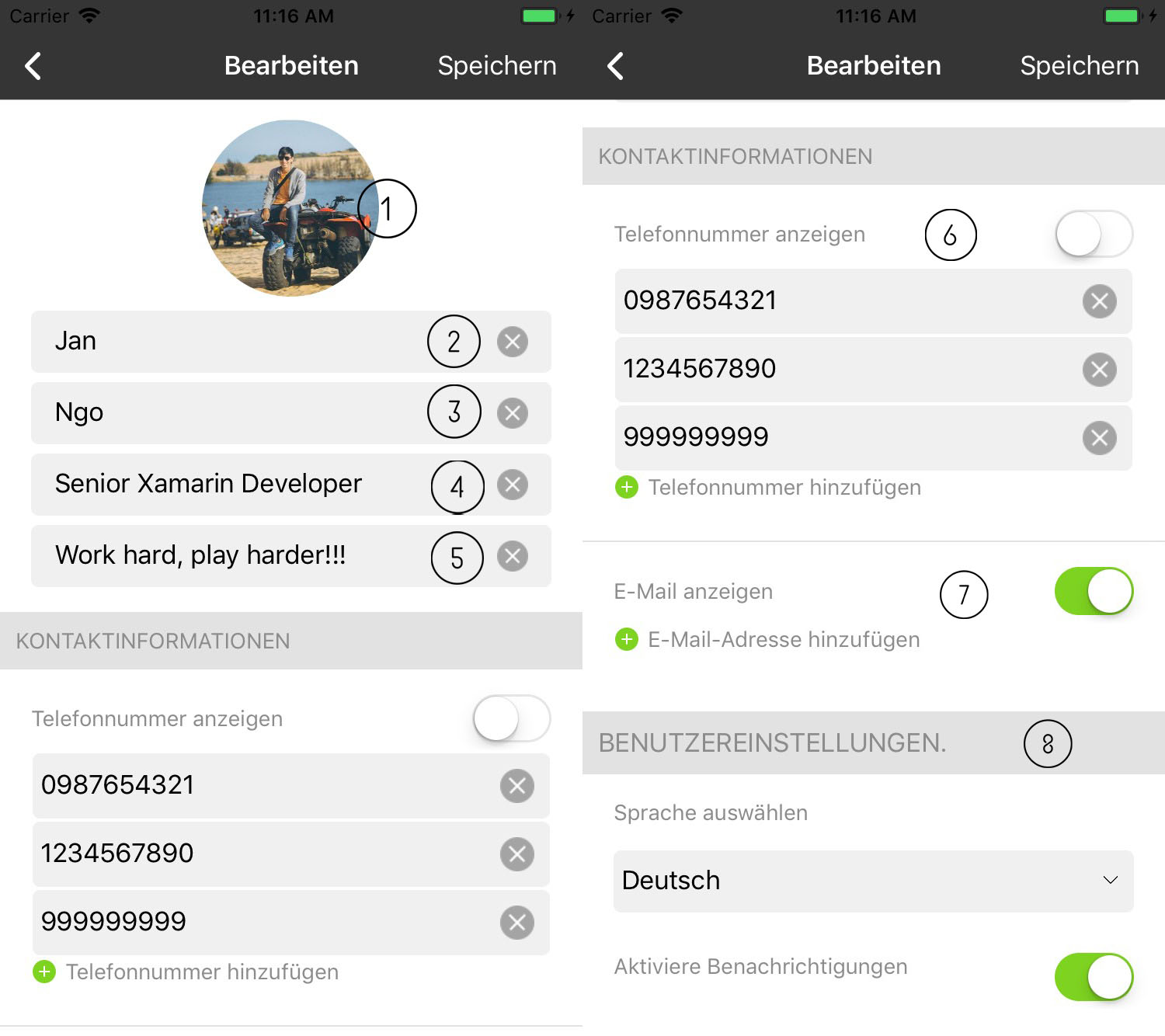
- Profile picture: user can change their profile picture by clicking on image.
The pop up appears then user can choose existing picture or take new one.

alt: Profile Screen scale: 25 % Firstname
Lastname
Position description
Sharing status
Phone infomation
Email infomation
User setting
2. Contact infomation
User can add/remove and allow other can reach them via contact information they added.
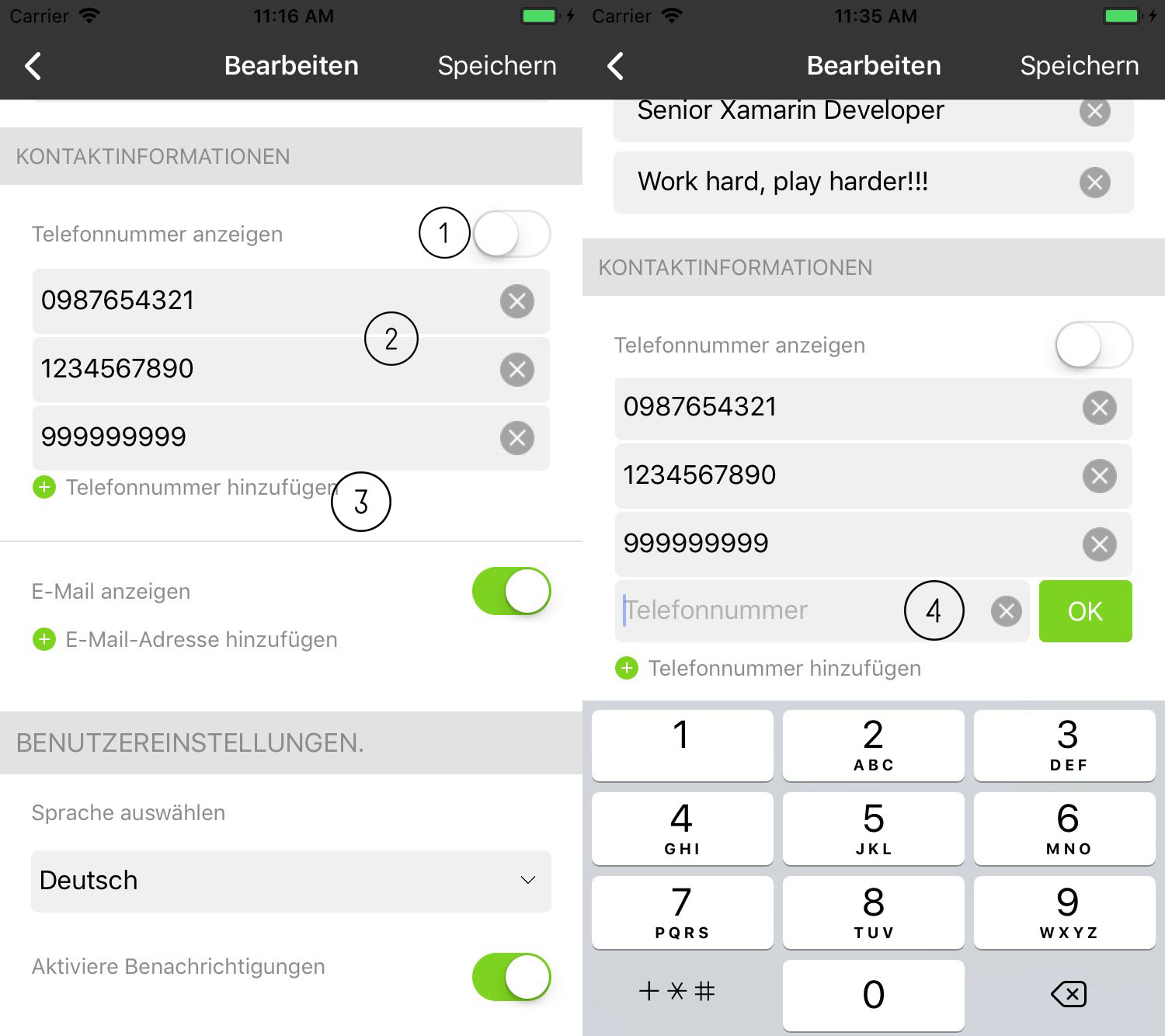
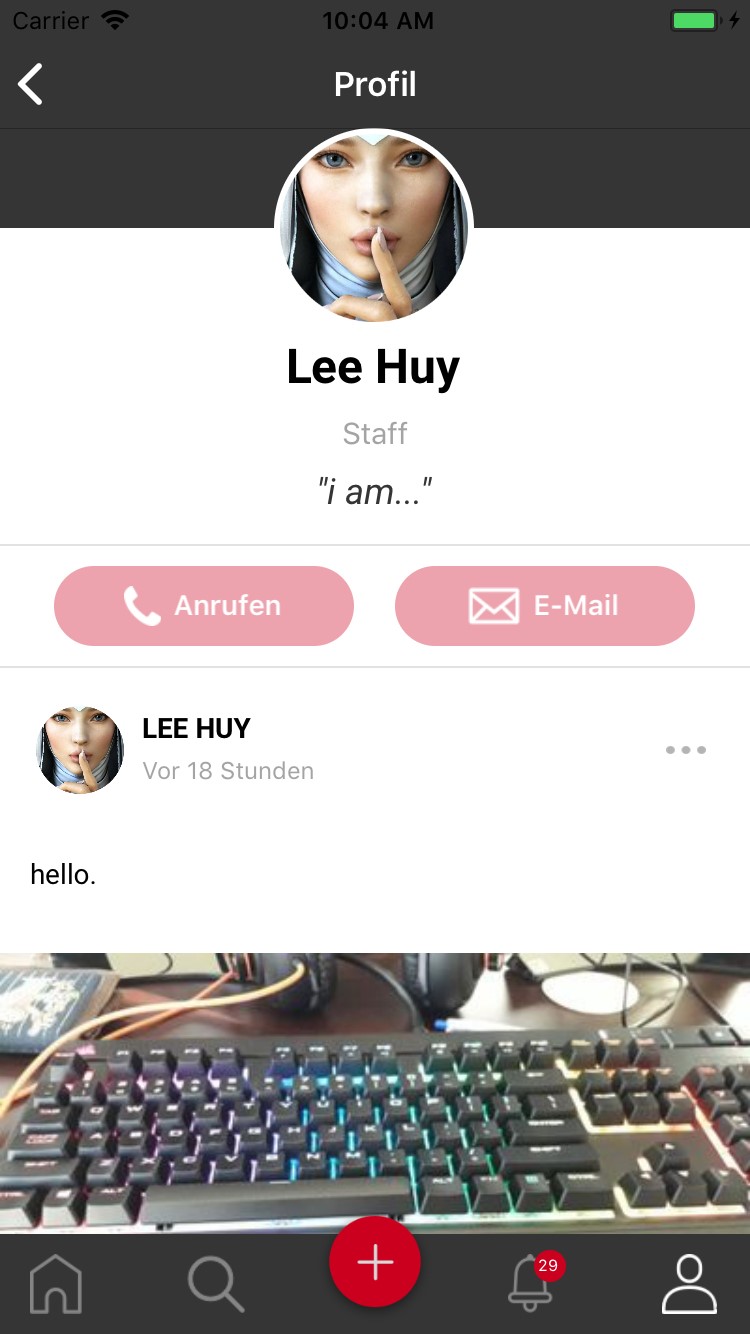
- Toogle button: show/hide phone infomation in their profile page. When user hides those information, call or email button will be disable in thier profile page.
| alt: | Profile Screen |
|---|---|
| scale: | 50 % |
- Phone list: user can remove phone by click on (x) button.
- Add new phone: when click on this button, input field will be showns allow user to add new phone.
- New phone input: allow user input new phone. They can confirm adding new phone by OK button, or discard it by (x) button.
3. User setting
- Notification setting: user can switch on/off notification. When it’s off, user won’t receive any notification related to post.
- But they still receive update notification or important notification.
- Languages: user can choose display language for app. English and German are supported for now.